Below are a few tips on how to improve our effectiveness when communicating using video conferencing platforms. Audio quality, like many things, is only noticed when it is bad, and bad audio is very distracting from the message you are trying to convey. The difficult thing with audio is that you don’t hear how you sound unless someone tells you, and most won’t. To improve your effectiveness when participating in a podcast (and video conferencing in general), please consider the following tips:
Equipment
- If possible, avoid using the speakers and microphone built into your computer. While this may work in some cases, we’ve seen numerous quality issues with this setup. Apple users are the worst because they are too confident in their equipment, and it does work most of the time.
- Use a headset for speakers. This eliminates all possibility of feedback from the speakers into the microphone.
- Use a quality microphone. Many headsets, like the SC 160 are plenty good. A quality mic like the AT2020USB+ is even better.
- Position the microphone reasonably close to your mouth. A mic boom helps a lot with mic positioning and also helps isolate desk noise from the microphone. A few inches away and slightly below the mouth seems to work best. This improves several things:
- AGC (automatic gain control) algorithms work much better and are not hunting (voice too loud sometimes and too soft others).
- If you turn your head, the volume does not change, as it does with a mic located some distance away from you.
- Background noise is blocked more effectively as the gain can be much lower.
- If the mic is close to you, you naturally speak into it when talking.
- If you are in a noisy environment, a noise-blocking microphone like the SC 160 or the Poly Voyager 5200 is a good choice.
- AirPods and other earbuds are a reasonable choice, but not the best, as they are optimized for listening and convenience, not speaking. The microphones are not optimally positioned, so they struggle more with background noise, gain, etc.
- Wired audio devices (USB) have less latency than Bluetooth-based headsets. Not critical, but a slight optimization.
- If using a browser-based meeting setup, an up-to-date Chrome-based browser typically works best.
Setup
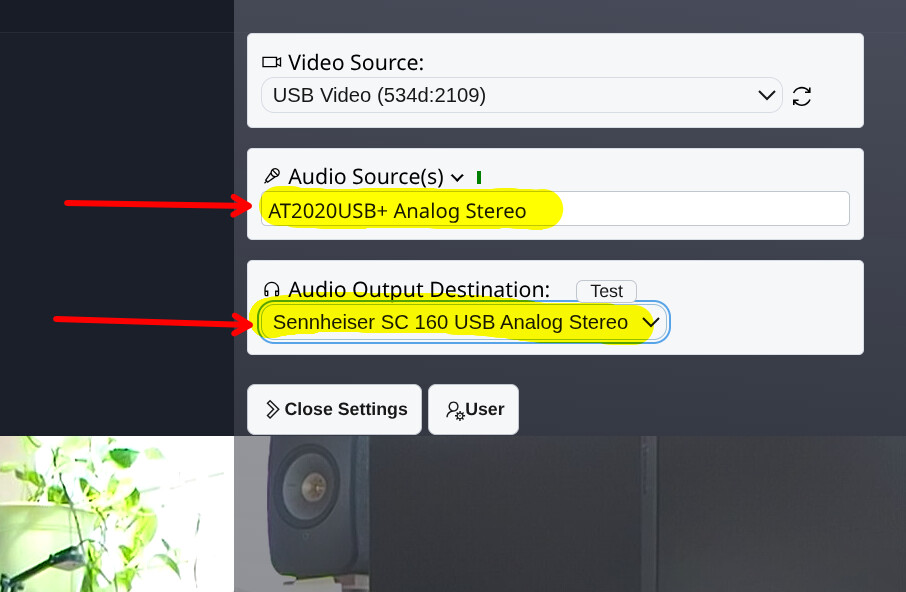
It is crucial to ensure that both your speakers and microphone are routed correctly. Many computer setups now have 4 or more audio devices connected, so it is easy to configure the speakers, but miss the setting for the microphone.
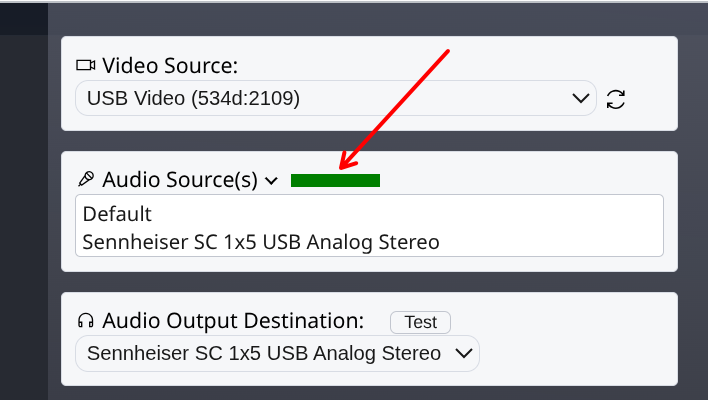
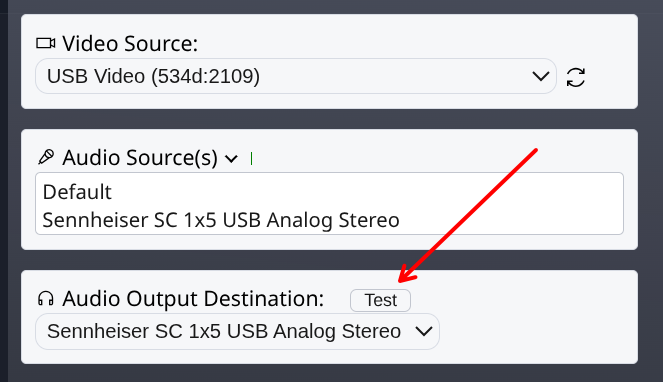
In VDO.Ninja (what we use for the TMPDIR podcasts), click on the gear icon:

Then make sure both the Audio Source (mic) and Audio Output Destination (speaker) are configured correctly:
Putting a little effort into quality audio shows consideration for your listeners, improves your effectiveness, and, while it requires some investment, quality audio equipment can be used for years.
 button to generate a new room name.