An interesting (and objective) article about computer headsets:
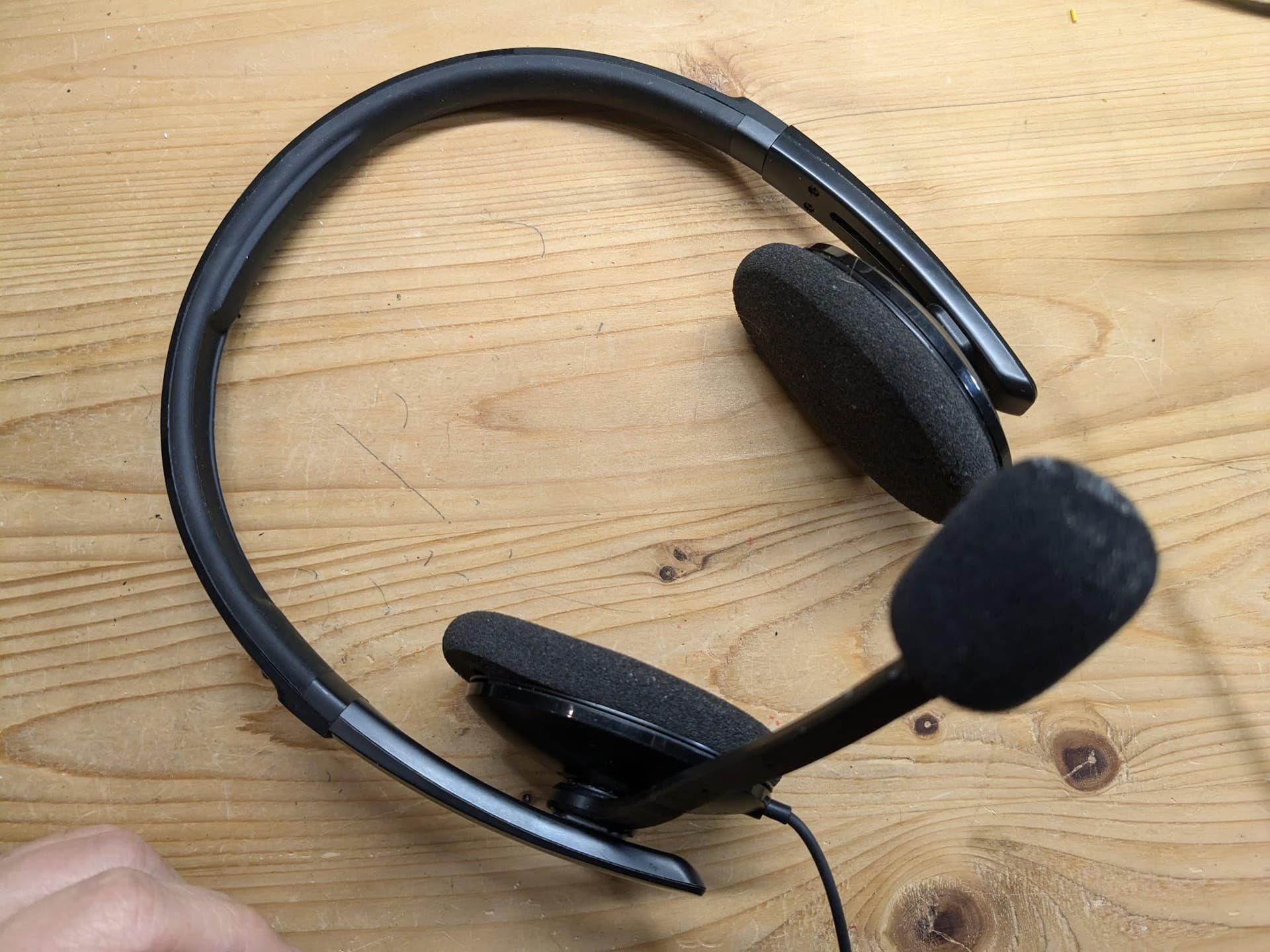
I ended up getting a Sennheiser SC 160 – it is amazing at blocking out background noise. (This is now called EPOS 160 USB II) Kids can be tearing through the office while I’m on a call and it pretty much blocks out all noise except my voice. Even when I type on my super clackety mechanical keyboard only inches way from the mouthpiece, very little of that gets through.
I did add a foam cover for the microphone to reduce wind noise from breathing.
I use my Bose QC2 headphones with an Antlion Modmic Business microphone attached to the side. Both connect to a Schiit Audio Fulla 3 USB DAC.
I think the audio quality is pretty good, but I still get self conscious that it’s picking up my breathing. I likely can fine tune this by moving the mic to a better location, but I haven’t yet so I still use mute when I don’t have anything to say. The Modmic also cannot cancel out the fans from 3U of servers sitting next to me if I have the servers on, so mute comes in handy still.
At my old job I had a Jabra headset with an in-line mute button that lit up a nice red LED when mute was enabled. That was super handy and I’d like to have a similar simple mute with an easy to see indicator, as then going on/coming off mute is a very quick action and I could easily stay in a conversation while muting myself if others were speaking.
Sounds like a good setup. Lately I’ve gotten into the practice of putting the mic boom below my mouth so I’m talking over it instead of into it – I think that is what the podcasting experts recommend for MIC placement. Also have a QC2 which I use mostly for music, but never got used to it yet for calls – something about not being to hear myself very well during calls or what is going on around me as I work from home with kids
Yeah, with the QC2 on in calls I can’t hear myself very well. I wish there was an easy way to provide some sidetone, maybe I’ll have to dig into pulseaudio and see…
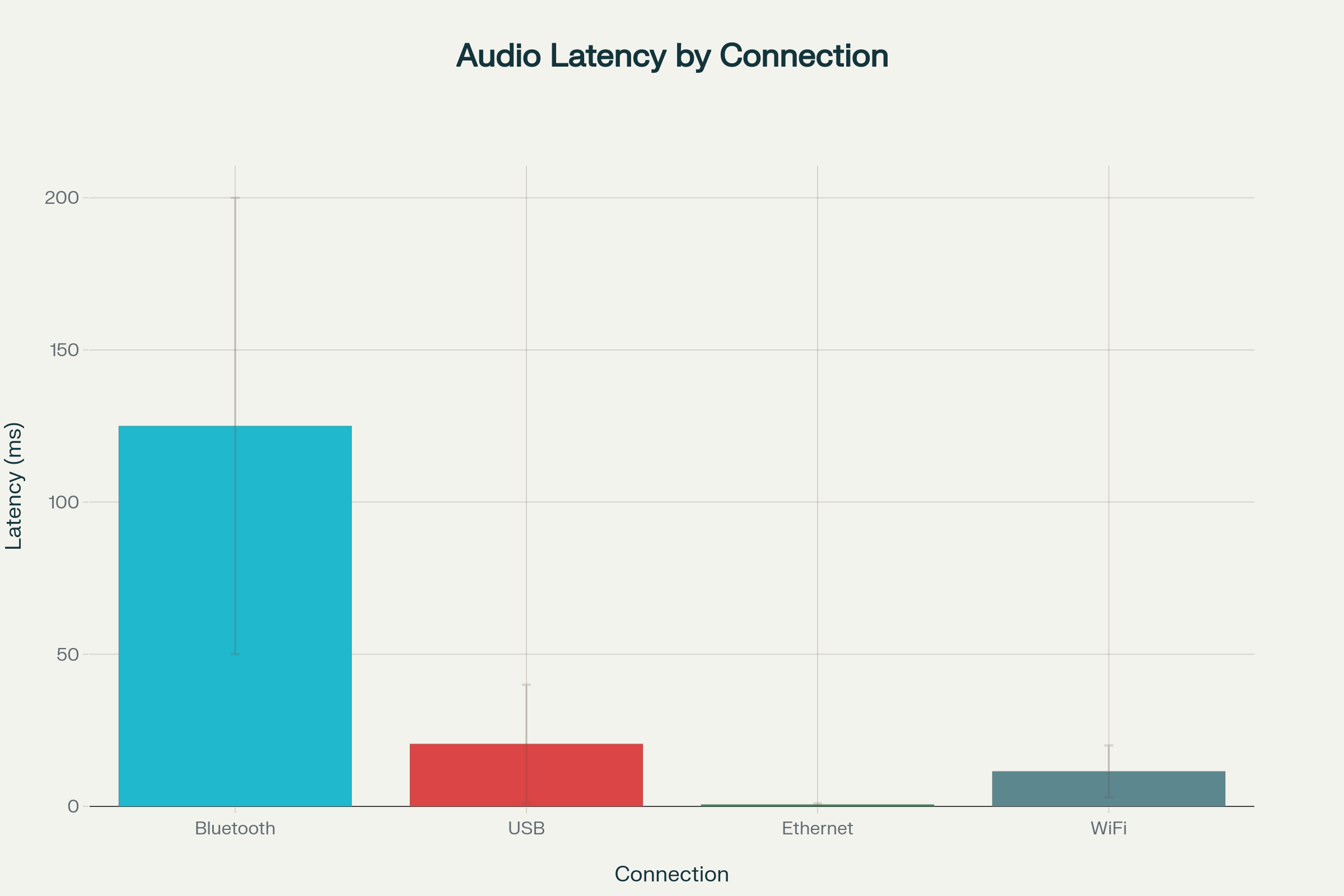
What really surprised me is now much latency WiFi and Bluetooth can add. This person highly recommends all wired connections. This is consistent with advice I’ve heard, but this is the first time I’ve seen hard numbers.
The article also mentions that Zoom adds 500ms latency – I wonder much latency there is in Jitsi calls?
this looks a great change Cliff, well done, I have DSLR here and I am getting ideas to start putting that to good use, I need to buy a 16mm lens though but it could be a good expriment.
yeah this avoids the perceived embarrassment although the noise does dent your own thought process during the call ( maybe have noise cancelling enabled for playing audio ), although I have seen that people are more forgiving for external noises ( barking dogs etc. ) since pandemic
The latency of BT vs USB is significantly different. WiFi vs Ethernet makes less of a difference. The biggest win is to use a wired headset. But I also think, where possible, using a wired connection also makes sense. Everything adds up.
The Sennheiser SC 160 is now called the EPOS 160 USB II – at $52, this is a great deal for improving your video call quality, and the audio is good enough that you can use it to listen to music between meetings.
(I was able to order the lens used off Ebay at a significant discount off the new price, and prompter on a black friday discount.)
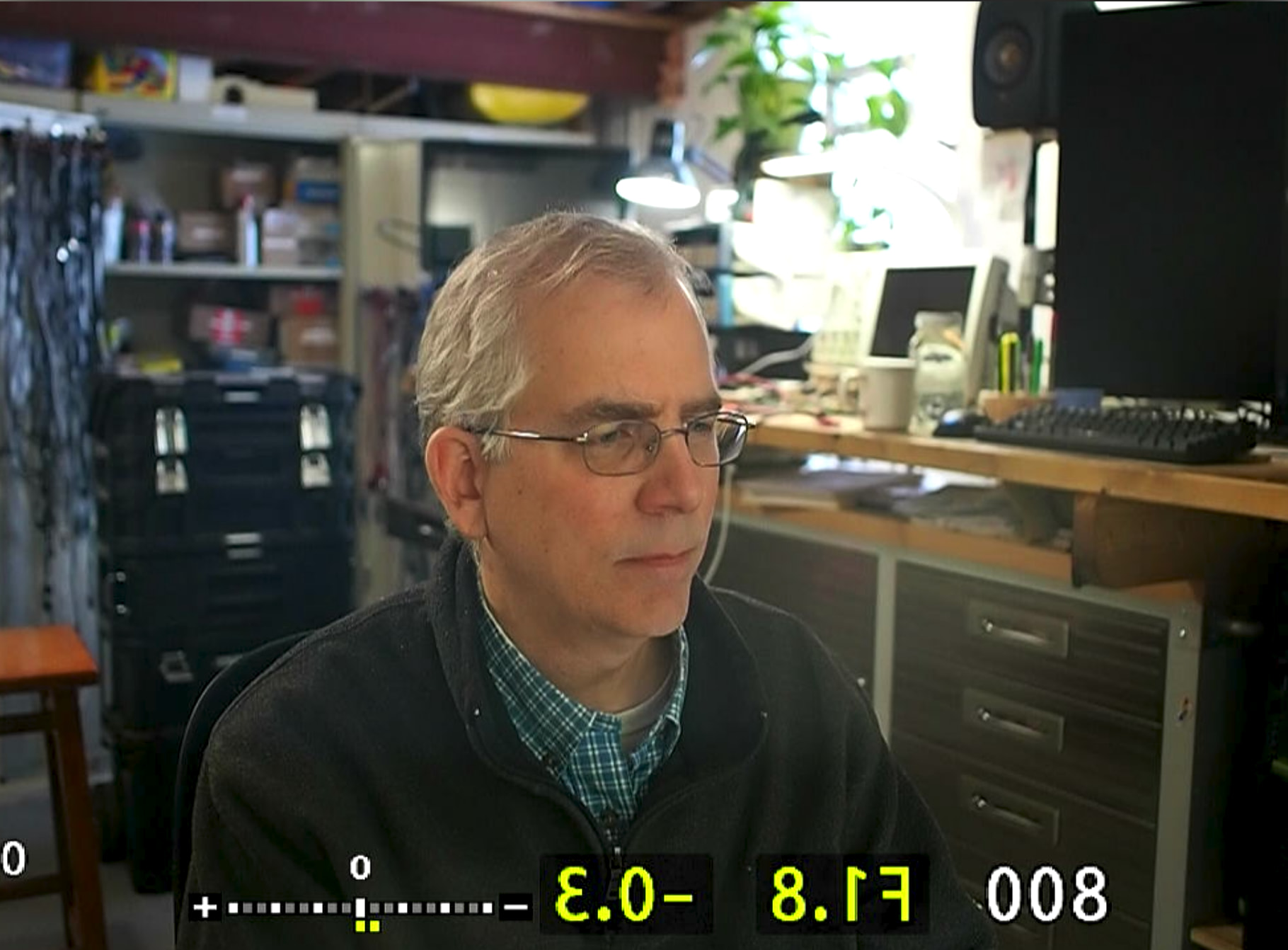
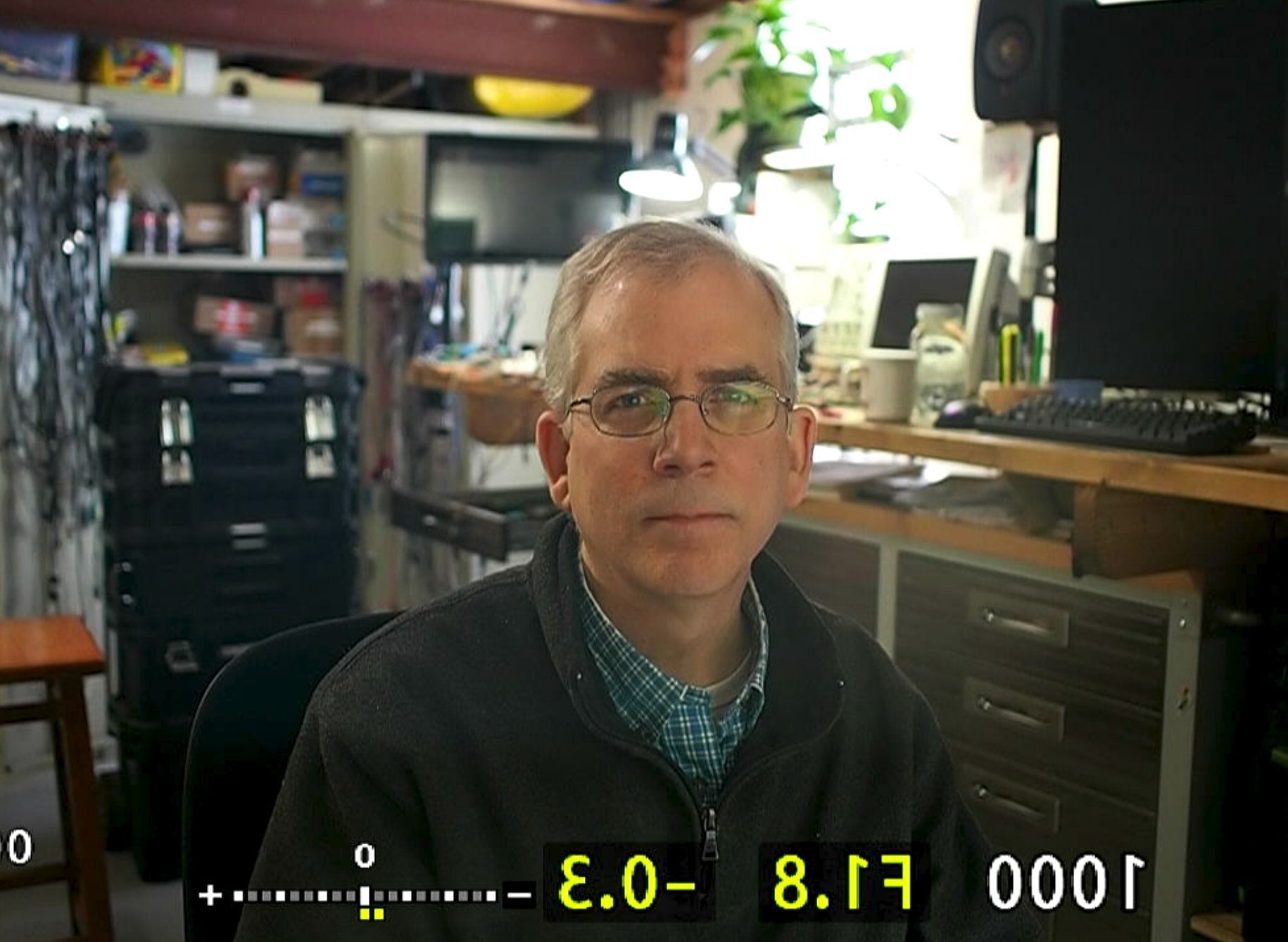
The result:
Better low-light performance in office. A fixed, prime lens makes a lot of sense for this application as I’m always at the same place, so the money can be put into optics, not zoom mechanisms. Also, this lens offers manual, as well as automatic focus. Manual is nice as I can just set it and forget it.
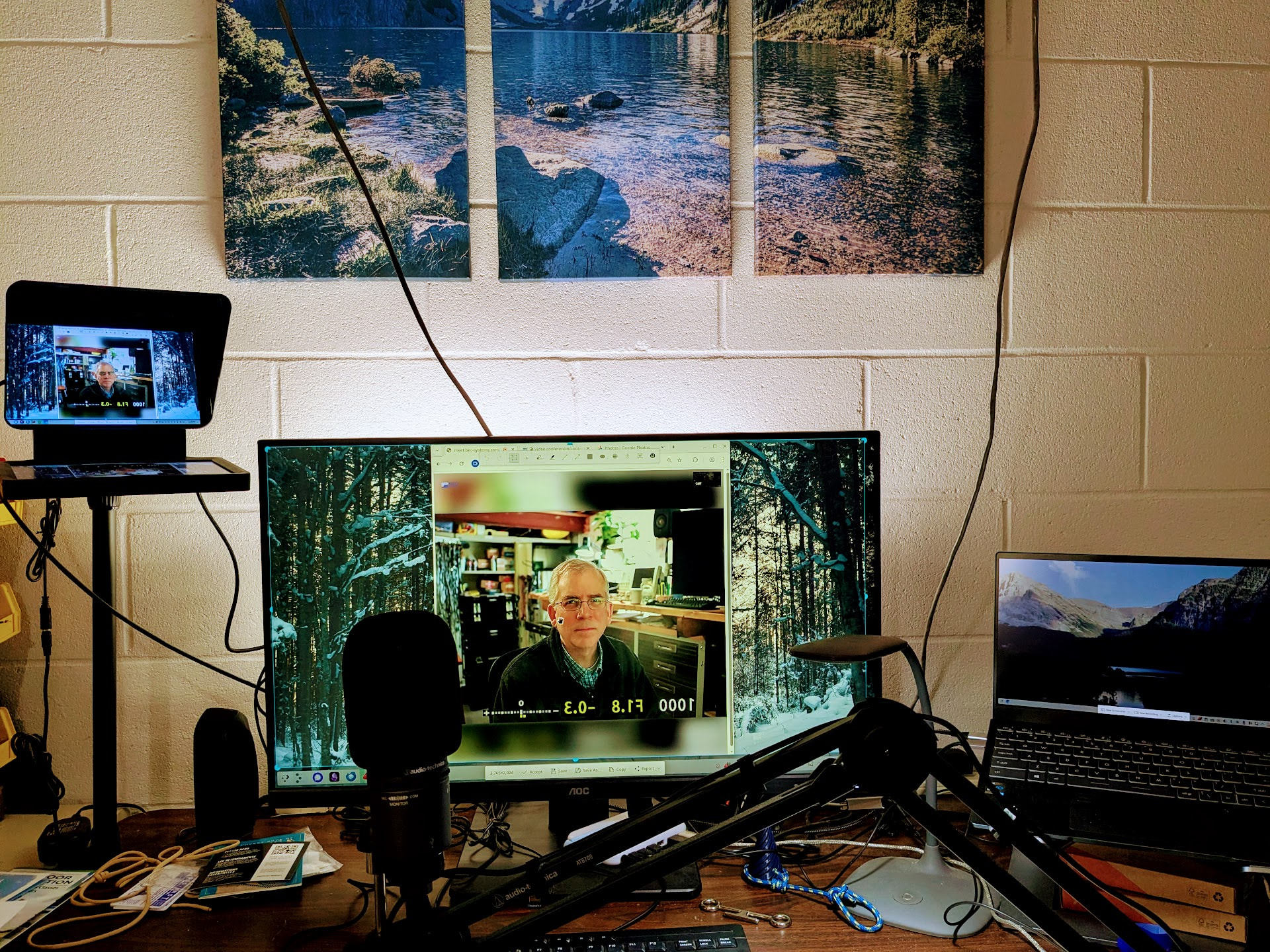
I had to install a few things to get the prompter working with Linux, but after that, it works fine – just acts like another display.
I find for meetings it works best to simply mirror my main display to the prompter. Then I can look at the prompter while talking, but when I need to see a high-res screen share or something, I can look at the main screen.
For screencasts, I’m experimenting with mirroring my laptop screen to the prompter, which is 1080p (the resolution I want to record in) to the prompter.
The prompter screen is small, so it is hard to read much on it. They have an XL version, but it is significantly more expensive and likely overkill for what I need. I really don’t do much “prompting”, but rather want the people I’m talking with to have a better experience.


 although the noise does dent your own thought process during the call ( maybe have noise cancelling enabled for playing audio ), although I have seen that people are more forgiving for external noises ( barking dogs etc. ) since pandemic