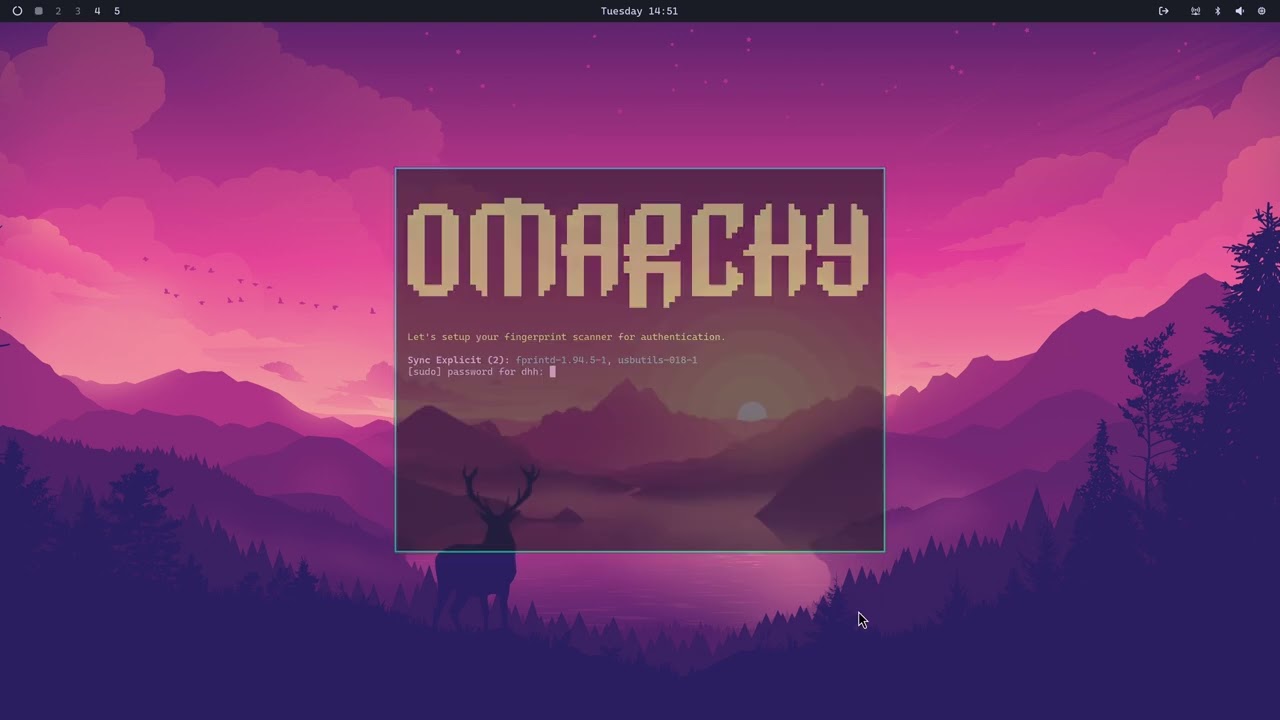
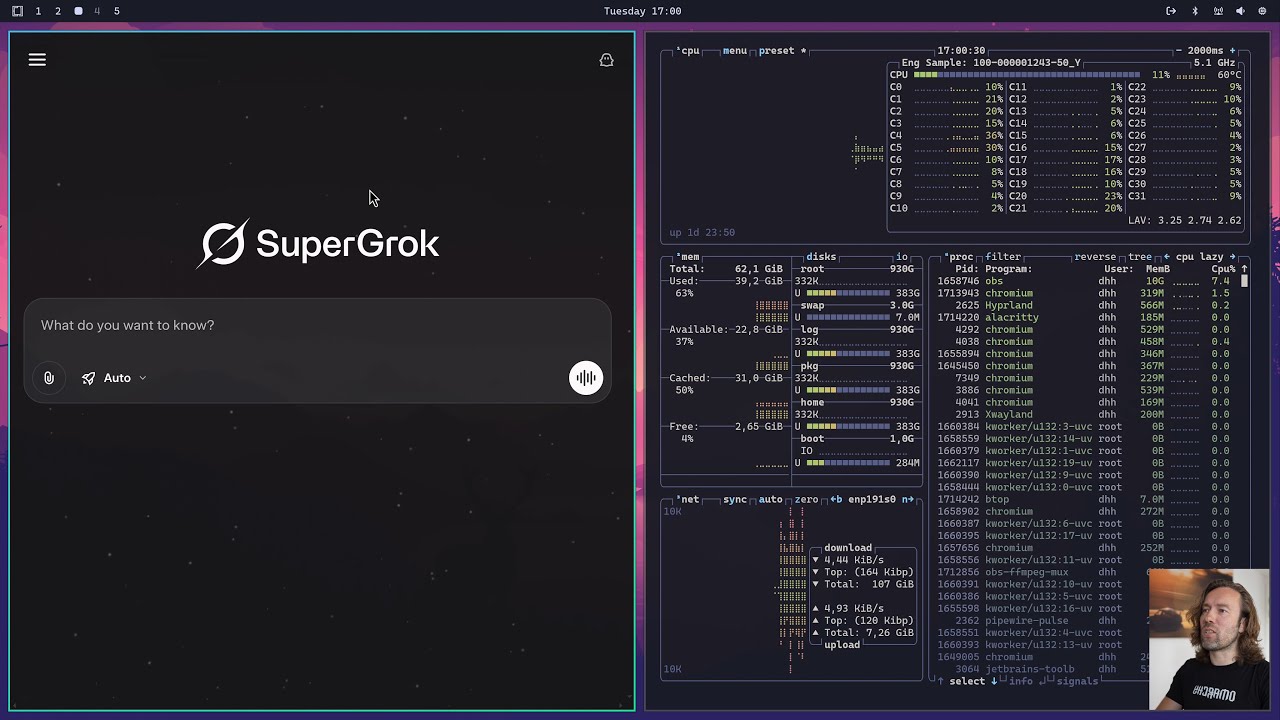
DHH is seeing the light …
Need to try Hyprland …
For temporary apps, like password managers, it makes sense to open them as floating windows. Below, I configure pwsafe to open in a floating window on the left side of the screen:
looknfeel.conf
# Window rules
# https://wiki.hyprland.org/Configuring/Window-Rules/
windowrulev2 = float, class:(pwsafe)
windowrulev2 = size 800 900, class:(pwsafe)
windowrulev2 = move 0 0, class:(pwsafe)
Floating windows are always on top of tiled windows, so this encourages you to clean up (close) temporary apps like password managers.
BTW, Claude Code seems pretty good at configuring Hyprland …
Omarchy automatically logs in. To disable this:
sudo systemctl disable omarchy-seamless-login
This allowed me to run sddm so I can switch between KDE and Omarchy.
Omarchy somehow disables the getty on tty1, which was very confusing until I figured this out – I thought my boot had hung.
My Omarchy state seems somewhat degraded right now – the app menu does not work, etc. I’m getting less sure this is the right solution for me long-term. Just starting with Hyprland and customizing may be a better approach for most experienced Linux users. Generally, the further you get from defaults, the more fragile a system becomes, and Omarchy strays pretty far.
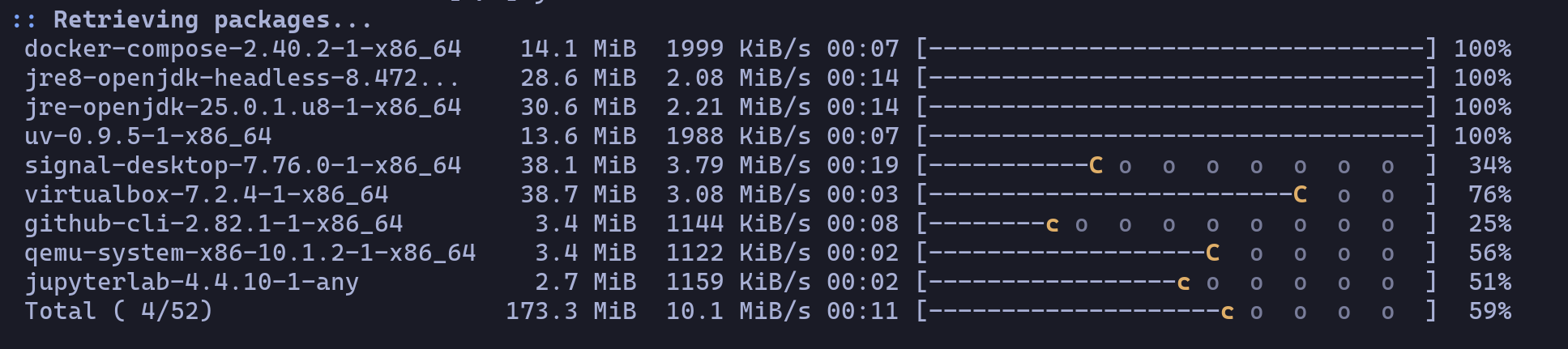
So Omarchy configures your pacman to look like this:
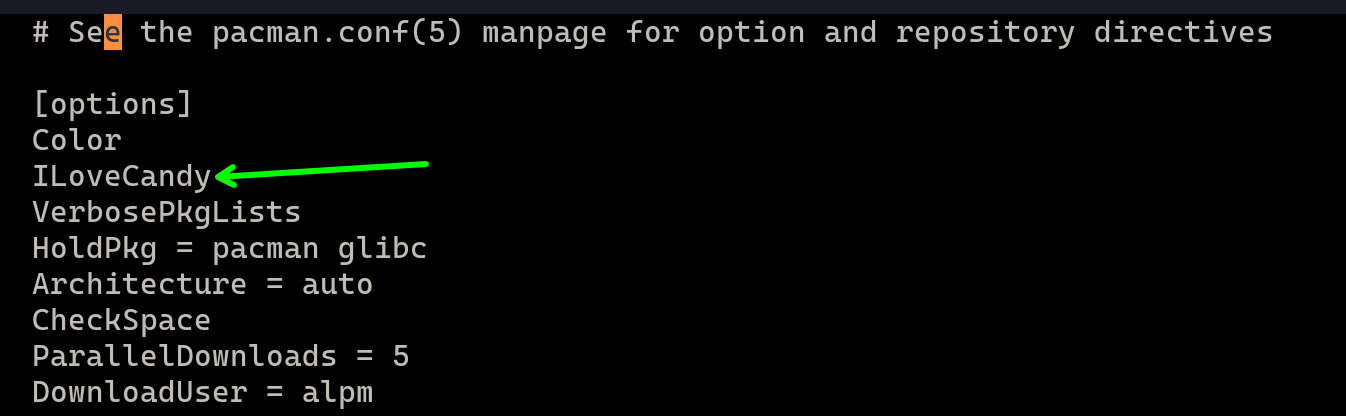
It is apparently enabled by adding ILoveCandy to /etc/pacman.conf:
Another thing you didn’t know you needed …

yeah I have been using ILoveCandy plugin on arch for many years  retro gamers love it
Money will be used for:
See this video at 17:35 for more info on where the money will go:
DHH describes Omarchy as a combination of Arch + Hyperland + Quickshell.