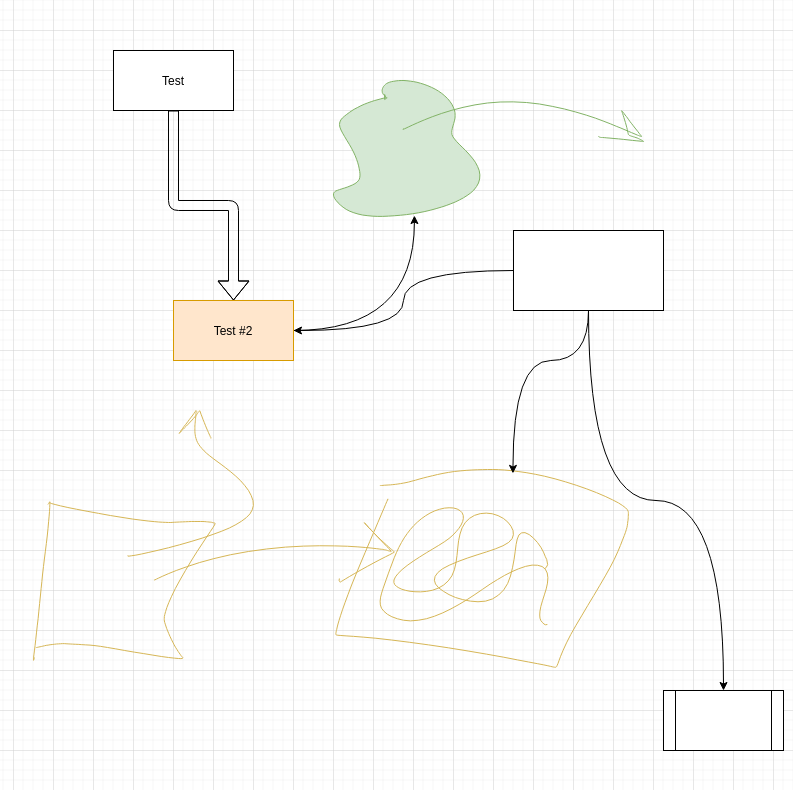
I took another look at diagrams.net. Seems like a well established solution for block diagrams. It also supports a sketch mode so with a graphics tablet, you can easily mix standard shapes and hand sketches (see below for an example).
One thing that is useful is to group objects inside other objects. In draw.io, you can turn any object into a group by selecting arrange->group in the menu – then everything inside is treated as a group. See example below:
If I always start with a 900x500 (9”x5”) drawing, the resulting PNG export is always about the right size for emails, blog posts, etc without any scaling.
Unless I’m doing a presentation, I’ve reverted my idea to put a bunch of diagrams in one file on separate pages. Now I’m doing one file per drawing, and always exporting a PNG in the same directory. This allows me to quickly browse and find drawings. If I need to copy something, it is easy enough to open the file.
With my workflow of exporting a PNG with every drawing, I have images ready to go to include in my newsletter, etc.
Draw.io has a neat feature where you can embed the drawing in a PNG file. Then anyone can drag the PNG file into draw.io and edit it. So going forward, feel free to reuse/modify any of the images I’m posting in my newsletter, blog, etc.
I also took at little diversion into Canva. It is a nice tool – very fast and produces nice results. It can also do presentations. For a bit, I was thinking this was the path forward, but then I realized draw.io can do about everything I need Canva for. Some other tradeoffs:
With draw.io, I own my data and can reuse it at any point in the future without depending on the cloud service.
At some point I’m sure I’d outgrow the Canva free plan, and not really look for more subscriptions to pay for indefinitely.
My default setup of draw.io exports PNGs at a perfect size for media. With Excalidraw and Canva, seems like I’m always having to set scaling factors in Markdown files.
Exporting PNGs allows me to browse drawings similar to the Canva
Canva includes a lot of images, templates, etc. – clearly the winner here.
I like the way draw.io connects items for diagramming.